Run je installatiebedrijf
Lead-to-Invoice
Currently is de all-in-one CRM & ERP voor installateurs in de duurzame-energiesector: klanten, offertes, planning, veldwerk, installatie en facturatie — één verbonden flow. Wij noemen dat Lead-to-Invoice of L2I. Of je nu zonnepanelen, thuisbatterijen, laadpalen of warmtepompen installeert — één platform runt de hele klus.
Van eerste lead tot laatste factuur
Één verbonden flow — geen losse spreadsheets, aparte ontwerptools en e-mailketens meer. Wij noemen dat Lead-to-Invoice of L2I.
Lead & CRM
Leg leads vast en beheer klanten, contacten en projecten op één plek.
BOM & offerte
Stel de stuklijst samen en zet 'm direct om in een offerte die je klant kan ondertekenen.
Plannen & inroosteren
Plan de installatie in en wijs de juiste mensen toe.
Veld & montage
Monteurs krijgen de klus op mobiel — voorbereiding, routes en formulieren op locatie.
Factuur & portaal
Stuur de factuur, ontvang online betaling en deel een branded klantportaal.
Eén platform om je installatiebedrijf te runnen
Currently brengt je hele bedrijfsvoering samen — CRM, offertes, planning, veldwerk, installatie en facturatie — in één verbonden platform.
Meer lezen arrow_forwardCRM & Planning
Klanten, leads, projecten en planning — één bron van waarheid voor elke klus.
BOM & Offertes
Zet een stuklijst in minuten om in een ondertekenbare, branded offerte.
Veld & Mobiele App
Monteurs krijgen hun planning, routes, werkvoorbereiding en formulieren op locatie op mobiel.
Facturatie & Betalingen
Stuur facturen, ontvang online betalingen en zie precies wat er betaald is.
Klantportaal & White-label
Een branded klantportaal — project, offertes en voortgang — met je eigen logo, kleuren en domein.
Automatiseringen & Koppelingen
Mailautomatiseringen, een eigen verzenddomein en koppelingen met boekhoud- en betaaltools.
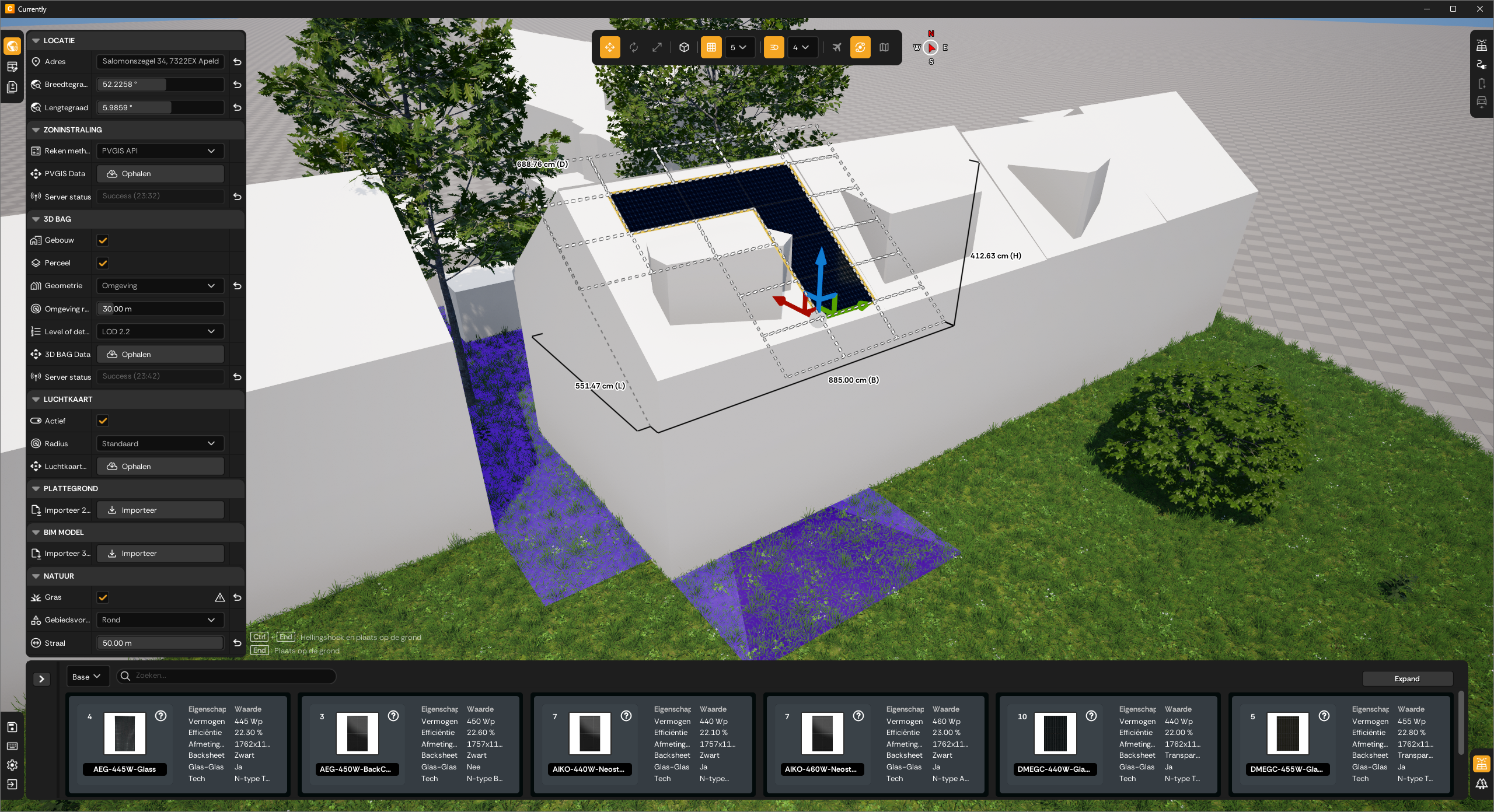
Eén platform. Drie lagen.
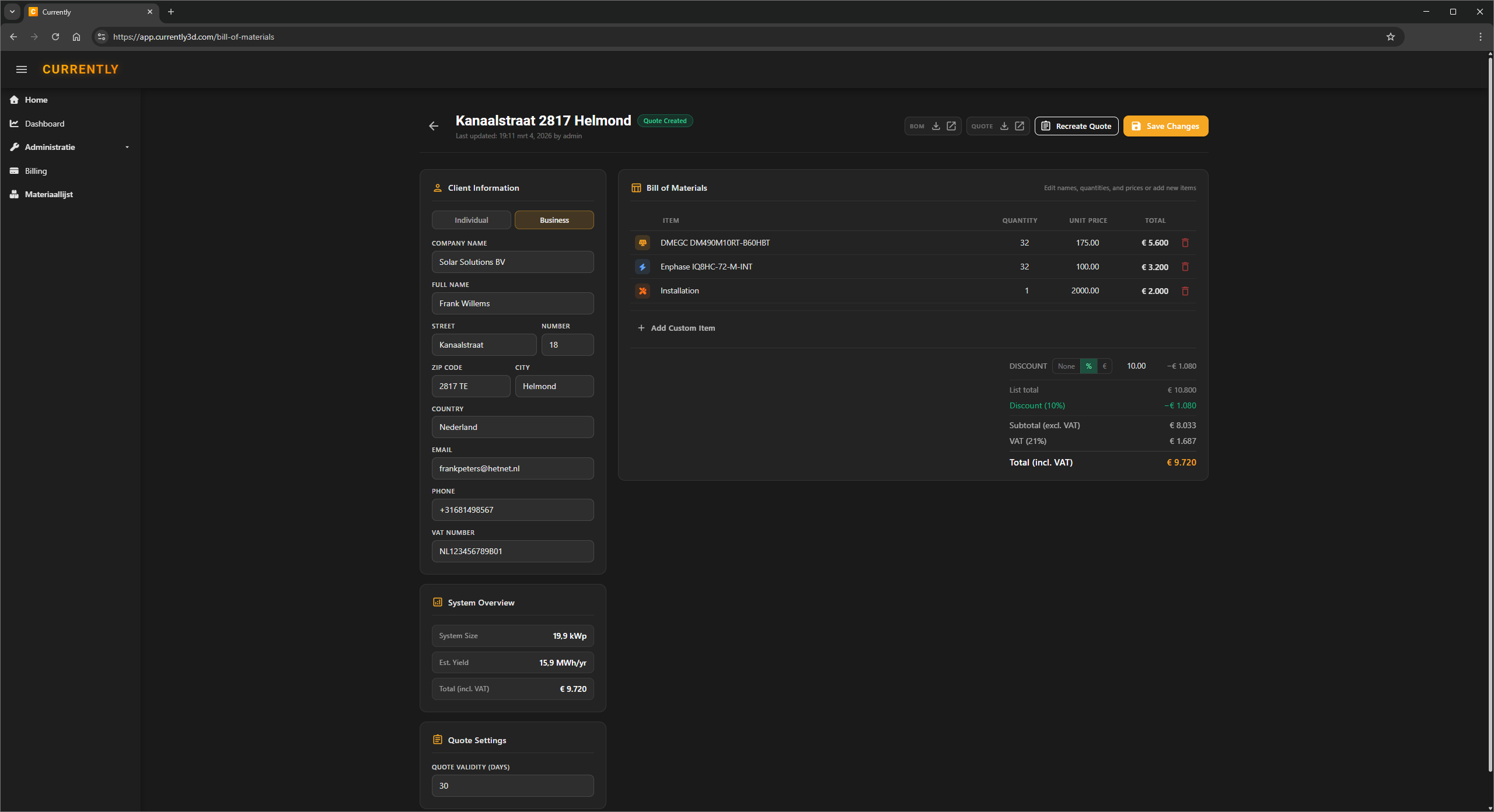
Currently Dashboard
Het hart van Currently — je backoffice, direct in de browser. Klanten, offertes, planning, veldwerk, installatie en facturatie, allemaal op één plek.
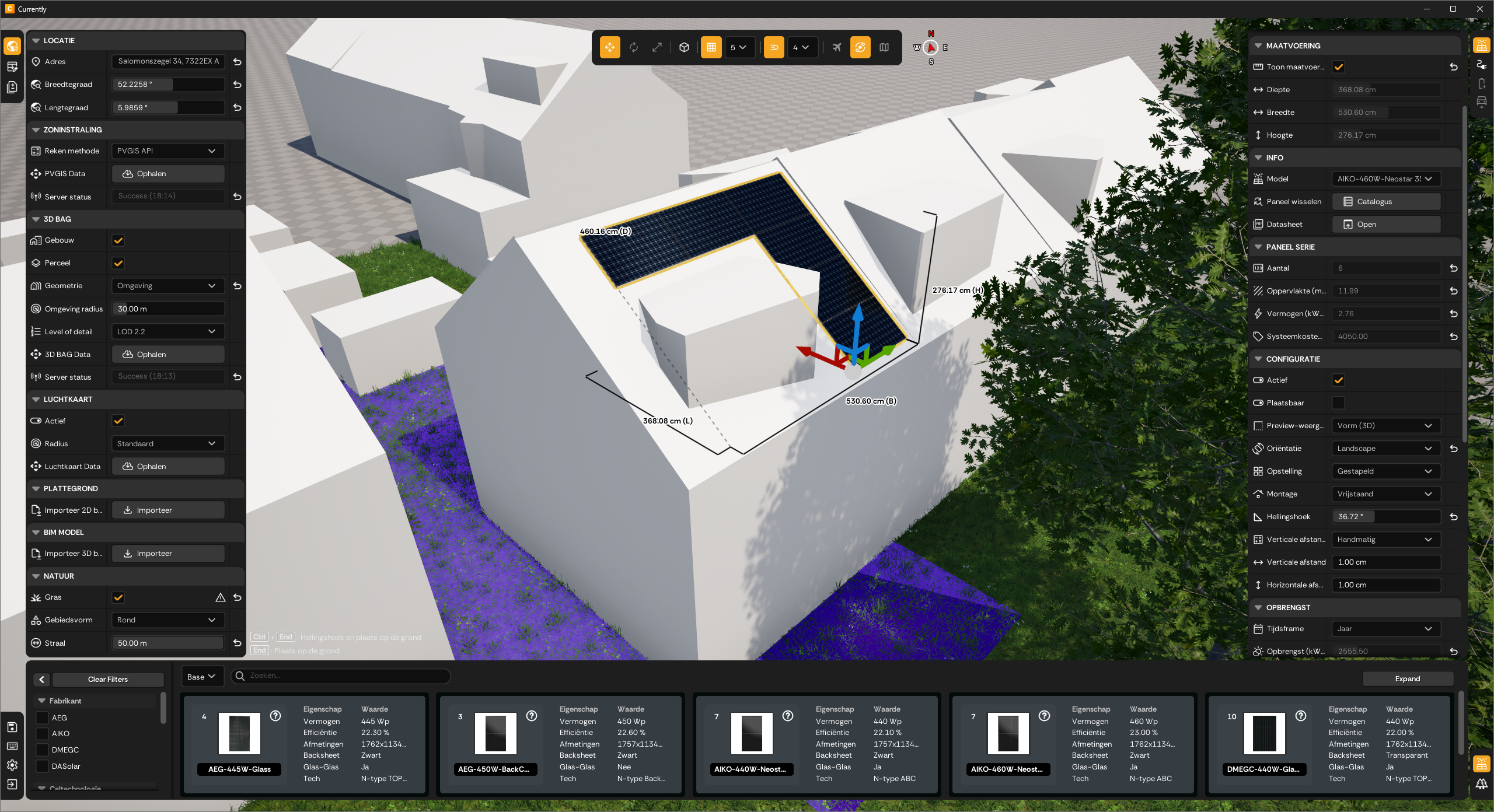
Currently Studio
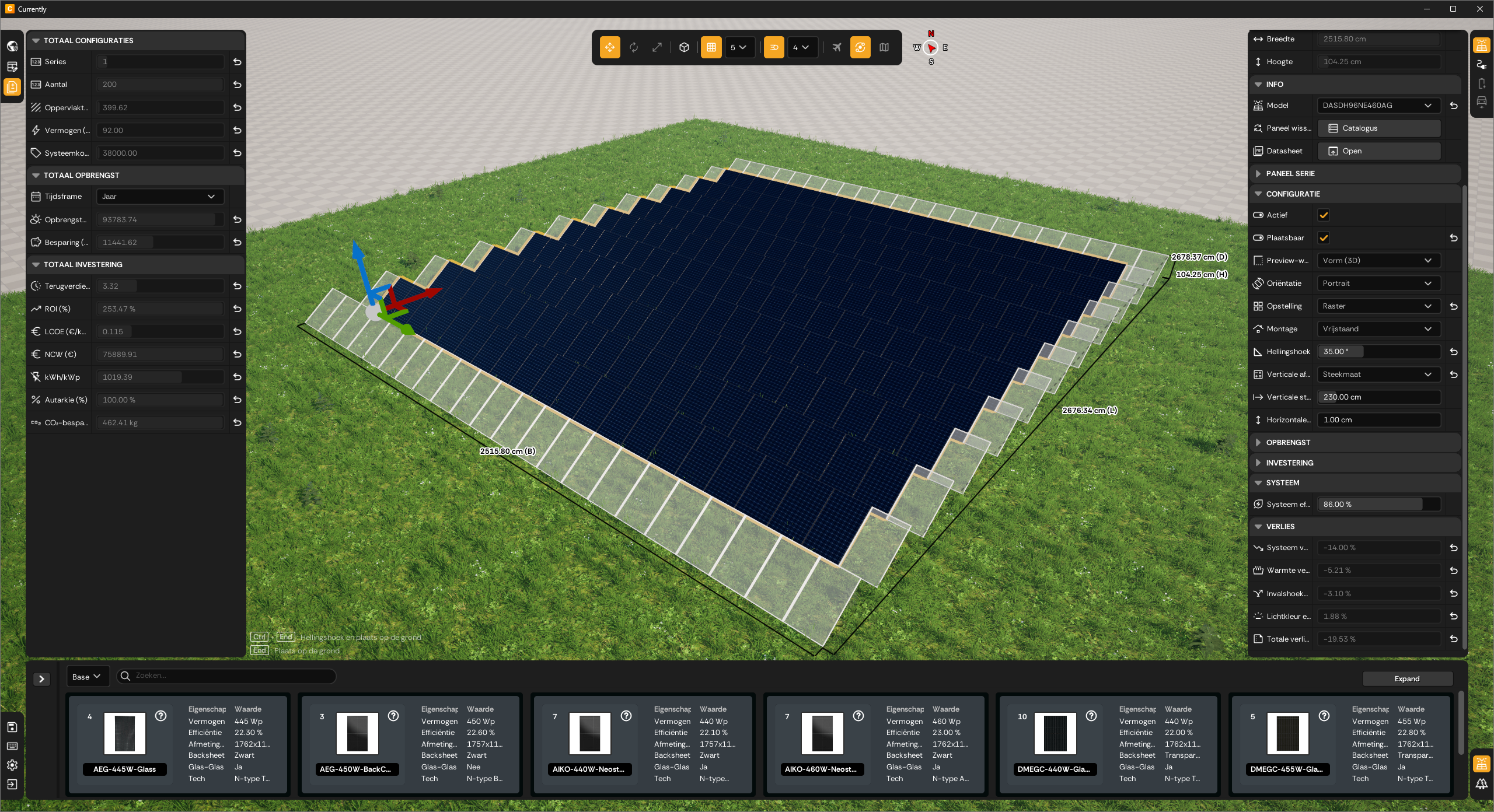
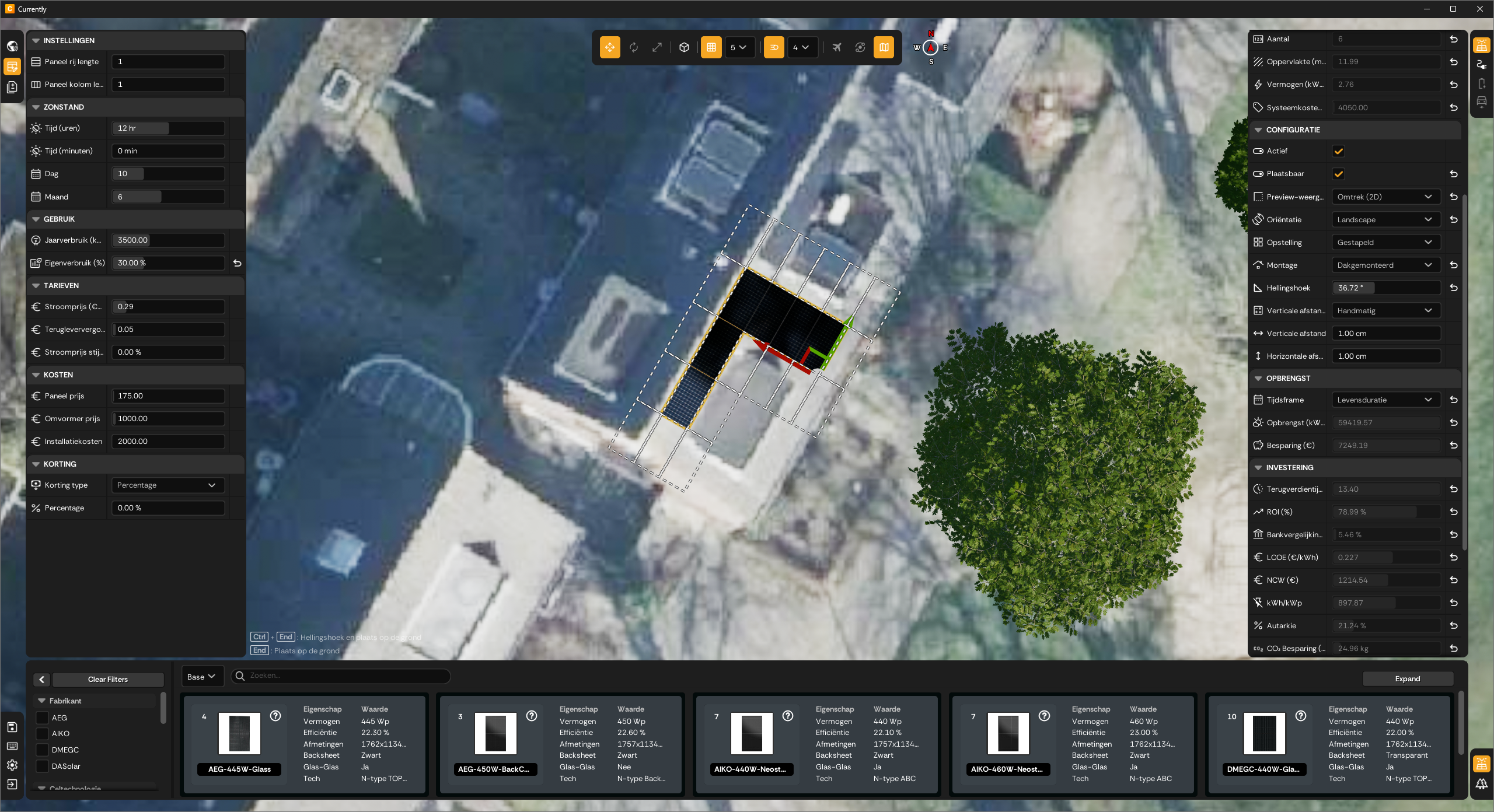
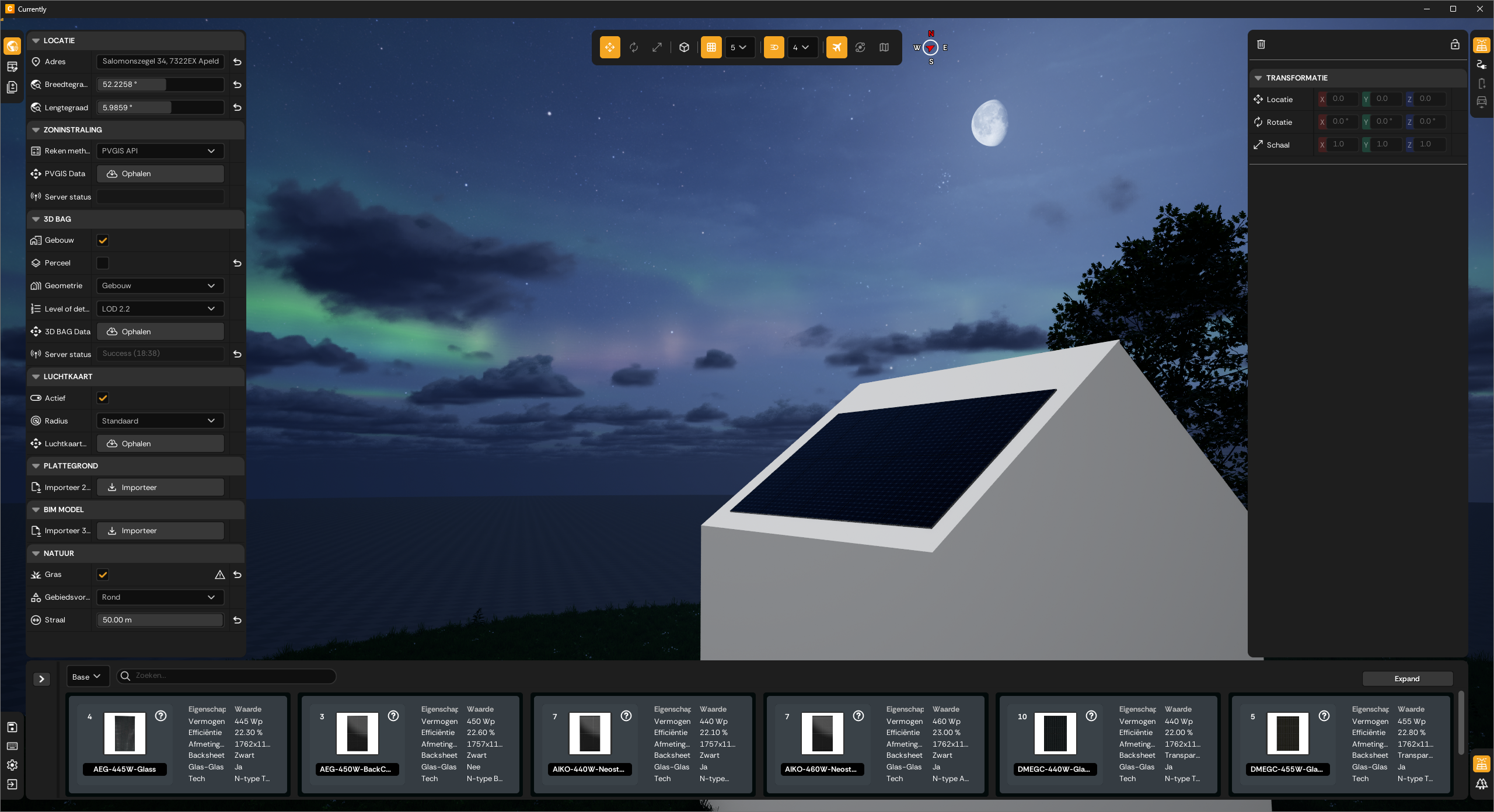
De ingebouwde 3D-ontwerpmodule. Teken paneellay-outs in real-time 3D op officiële gebouwgeometrie en zet ze direct om in offertes en stuklijsten.
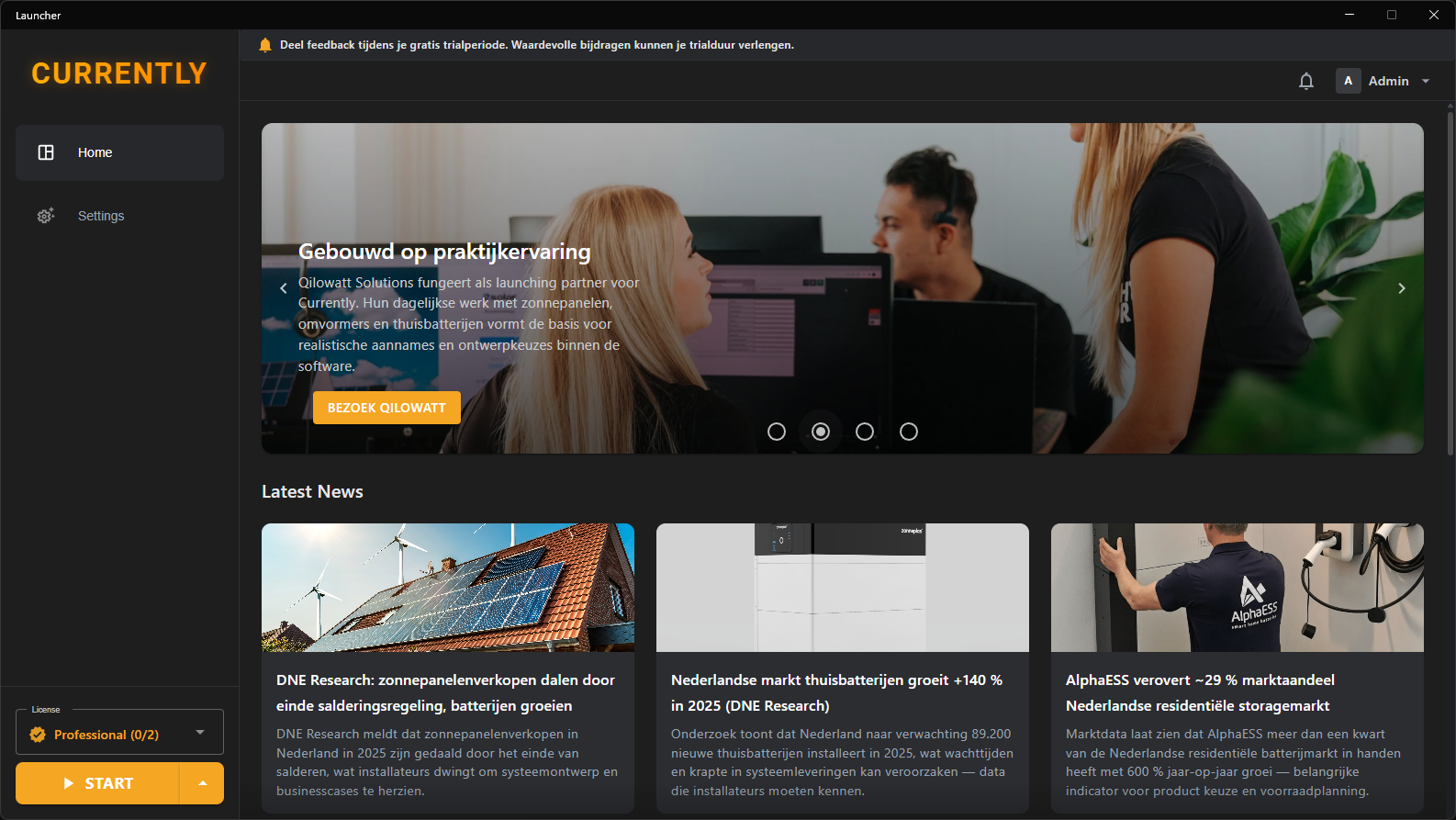
Currently Launcher
Installeert de Studio-ontwerpapp en houdt 'm up-to-date binnen je team — versies, toegang en instellingen in sync.
Een licentie voor elke rol
Combineer licentietypes naar je team — van het veld tot de backoffice.
Essential
€39 / gebruiker / mndMobiel-only toegang voor het veld — geen kantoortools, niets te installeren.
- checkMobiele web-app
- checkPlanning, routes & reistijd
- checkWerkvoorbereiding, foto's & formulieren op locatie
Professional
€89 / gebruiker / mndVolledige toegang tot het CRM — klanten, offertes, planning en projecten. De meeste teams beginnen hier.
- checkKlanten, BOM & offertes
- checkPlanning & inroostering
- checkKlantportaal
Ultimate
€129 / gebruiker / mndAlles uit Professional, plus facturatie, white-label en automatiseringen.
- checkFacturatie & online betalingen
- checkVolledige white-label & automatiseringen
- checkAlle toekomstige features
Andere tools beginnen met een satellietfoto.
Currently begint met het gebouwenregister.
Voer elk adres in. Currently koppelt automatisch officiële 3D-gebouwgeometrie, juridische perceelgrenzen en nauwkeurige instraaldata aan je ontwerp — in ongeveer 15 seconden. Andere zonneontwerptooIs vereisen dat je het dak handmatig intekent. Currently niet.
Hoe het werkt arrow_forwardBekijk de design studio in actie
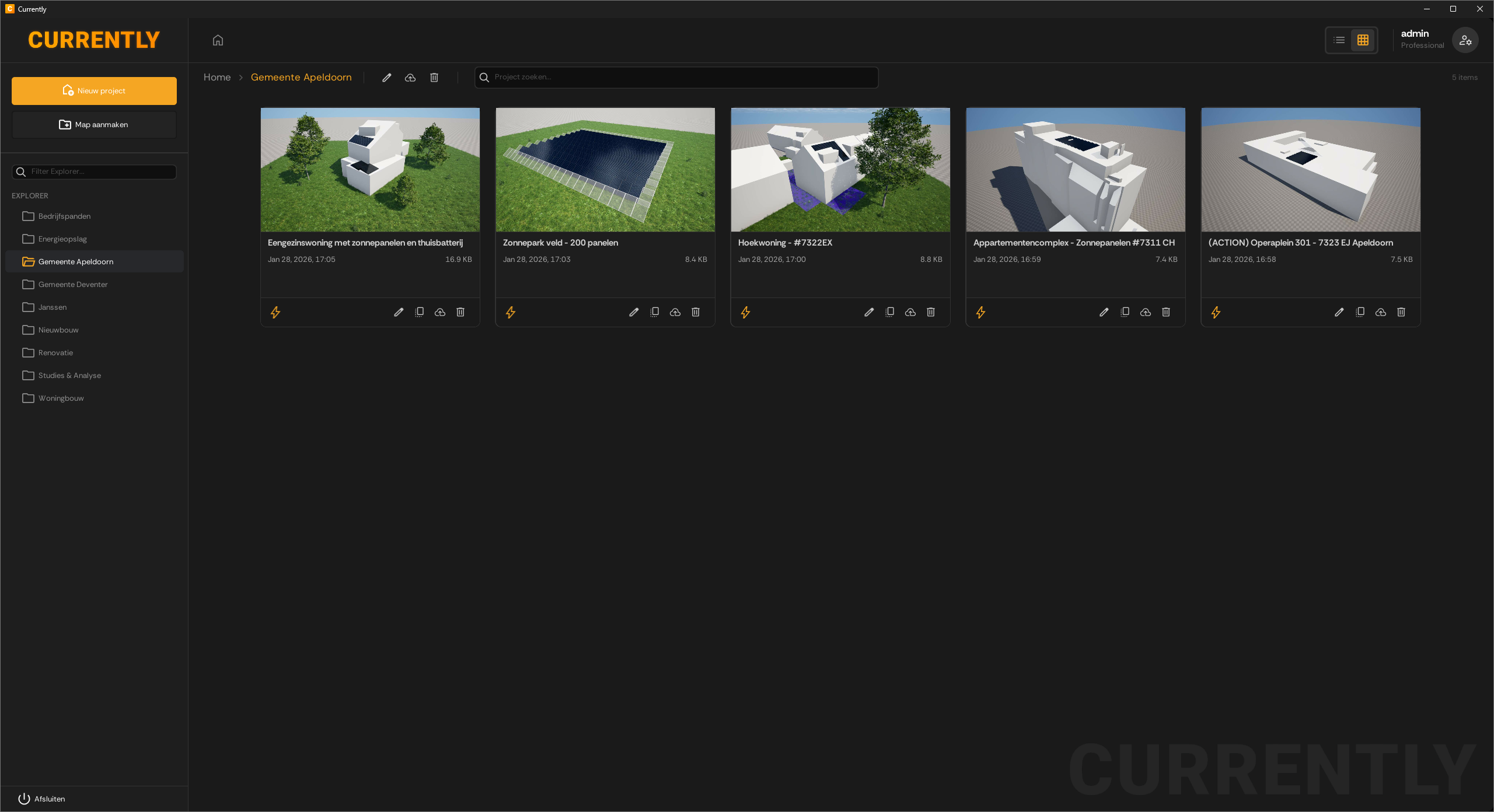
Verken de ingebouwde 3D-ontwerpstudio — van lay-outontwerp tot live simulatieresultaten. Klik op een screenshot om het op volledig formaat te openen.
Beginnen met Currently
Van aanmelding tot je eerste offerte — we begeleiden je stap voor stap.
Toegang aanvragen
Dien een aanmeldverzoek in om je account aan te maken. We beoordelen aanvragen handmatig om het platform gericht te houden op professioneel gebruik.
AanmeldenGoedkeuring & account activatie
Na goedkeuring ontvang je een e-mail met inloggegevens. Dit duurt doorgaans maximaal één werkdag. Houd ook je spamfolder in de gaten.
Open je dashboard
Log in op het dashboard — je backoffice, direct in de browser. Stel je bedrijf, team en artikelcatalogus in en start je gratis proefperiode van 14 dagen. Geen betaalgegevens vereist.
InloggenInstalleer de 3D-studio
Download de launcher om Currently Studio toe te voegen — de Windows-desktopapp voor het ontwerpen van paneellay-outs in 3D.
DownloadenRust je monteurs uit
Je veldteam opent de mobiele web-app voor planning, routes, werkvoorbereiding en formulieren op locatie — niets te installeren.
Run je backoffice
Van lead en offerte tot planning, installatie en facturatie — beheer elk project van begin tot eind, op één plek.
Klaar om je installatiebedrijf te runnen met Currently?
Start vandaag je gratis proefperiode van 14 dagen. Geen creditcard vereist. Van klanten en offertes tot planning, veldwerk en facturatie — allemaal in één platform.