Your whole design, in 3D
Studio is the design application for the jobs where a flat drawing is not enough: large B2B projects from commercial roofs to solar parks, complicated sites, and clients who want to see it before they sign. It installs on Windows and feeds the same project as everything else in Currently.
For the projects that earn it back
Large B2B projects
Commercial roofs, fields, solar parks. Hundreds or thousands of panels, where a few percent on the layout is real money.
Complicated sites
Dormers, chimneys, roofs at odd angles, height differences across the terrain, neighbours that cast shade. Things a drawing from above does not settle.
The client wants to see it
Big jobs are rarely signed off by one person. A picture of their own building with the panels on it convinces a room full of people faster than a list of quantities.
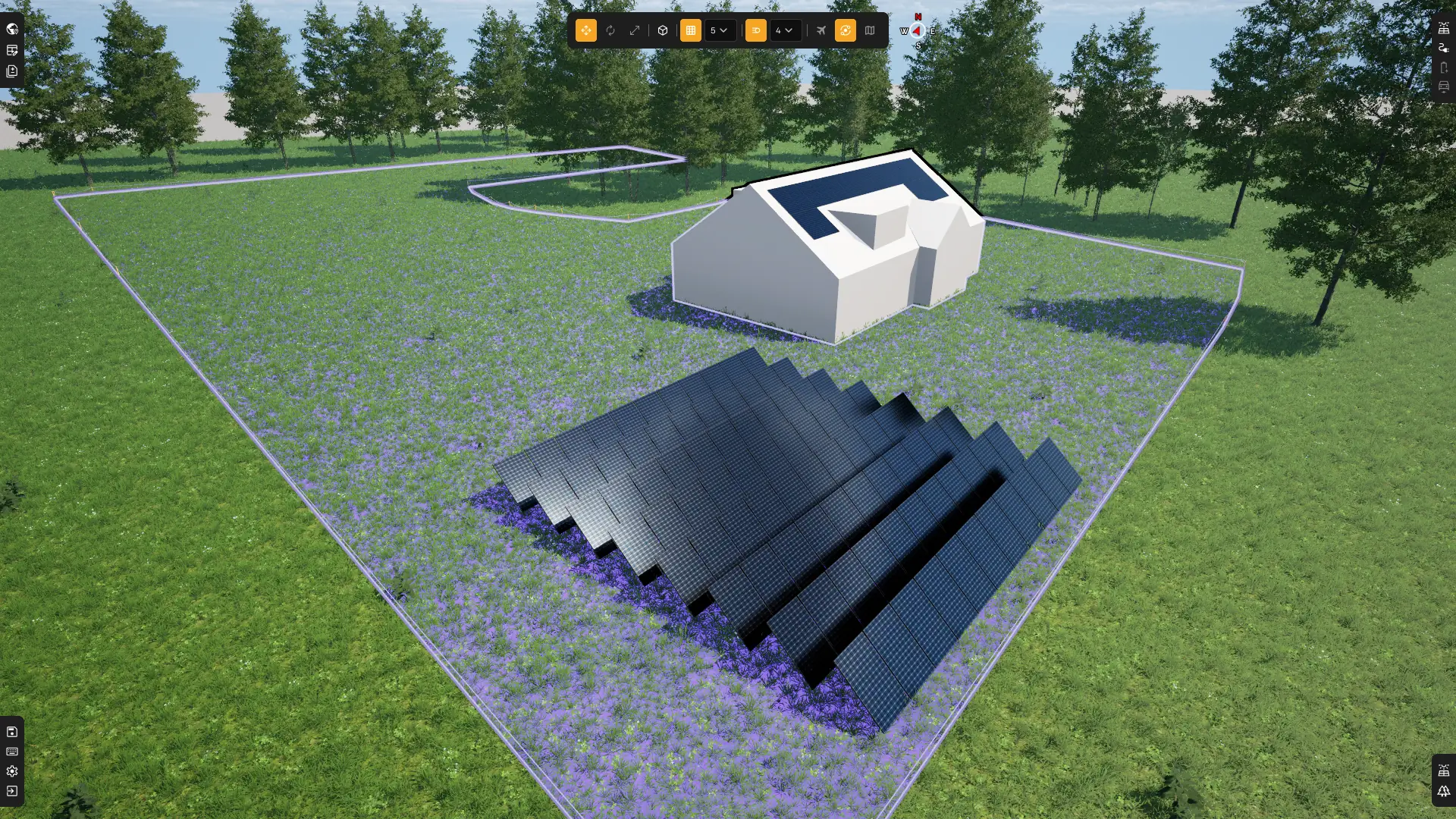
Starts from official data
Type any address. Currently Studio fetches official 3D building geometry, legal parcel boundaries and location-specific irradiance data automatically, in about 15 seconds. No satellite tracing, no manual input.
Official 3D building geometry
Roof shapes, heights and footprints come straight from the authoritative government registration. You trace no outline: the roof is there the way it was built.
Legal parcel boundaries
Plot boundaries are legally fixed, and they load along with the building. Panel placement respects the actual property extent, which matters for accurate commercial installs.
Location-specific irradiance
The irradiance data is fine-grained and applies to that one spot. Yield calculations are anchored to real solar conditions at the address, not regional averages.
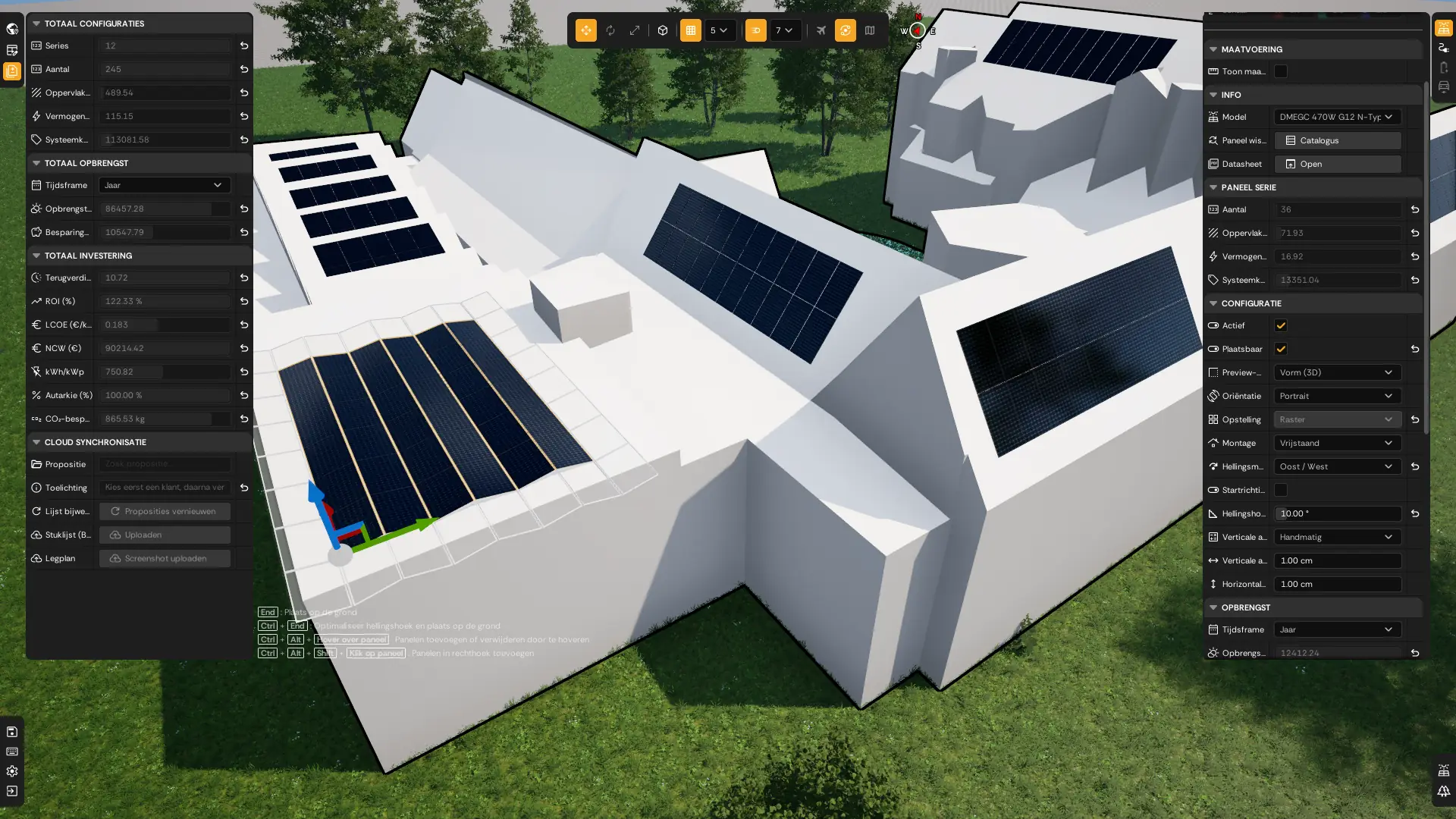
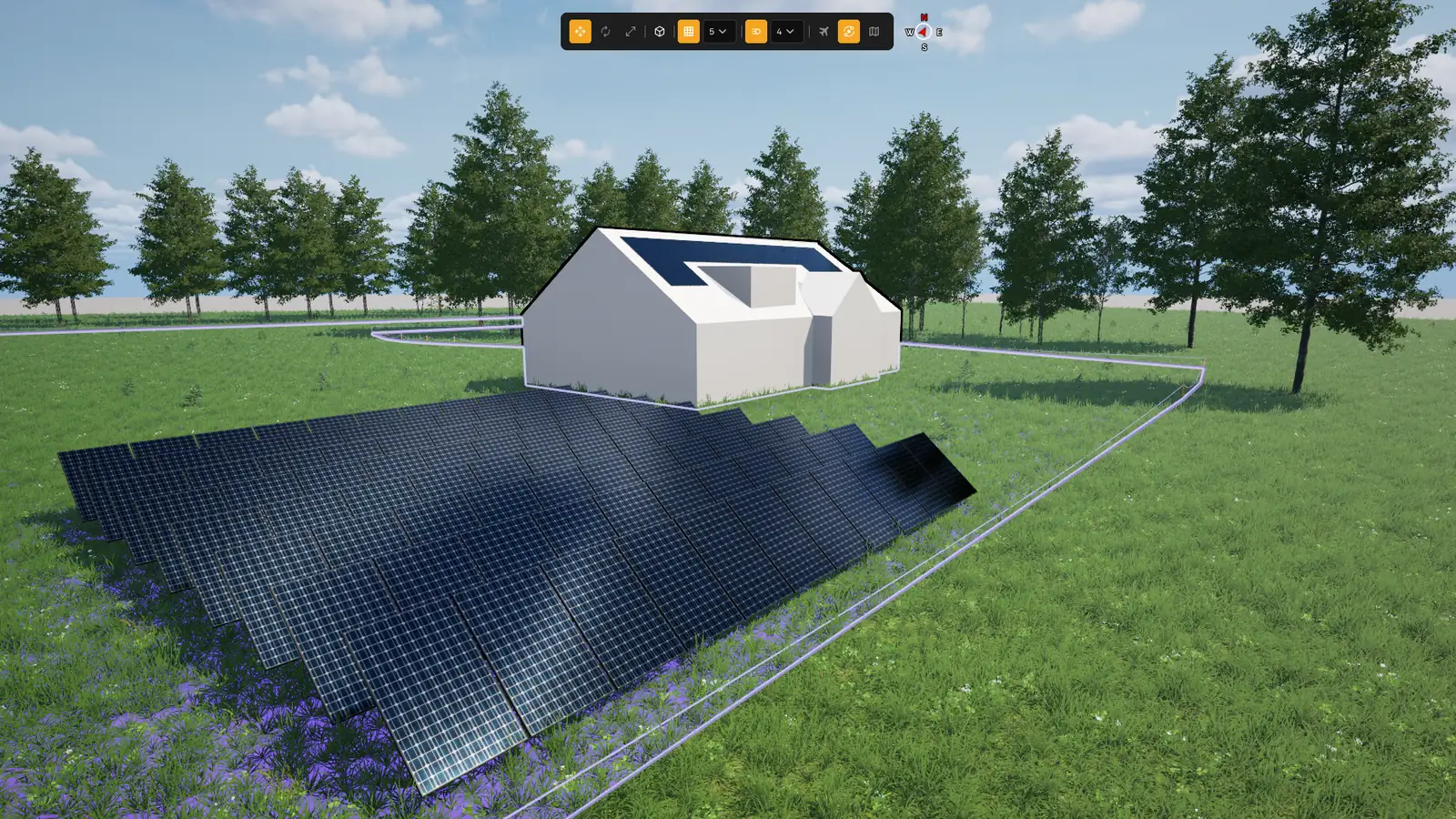
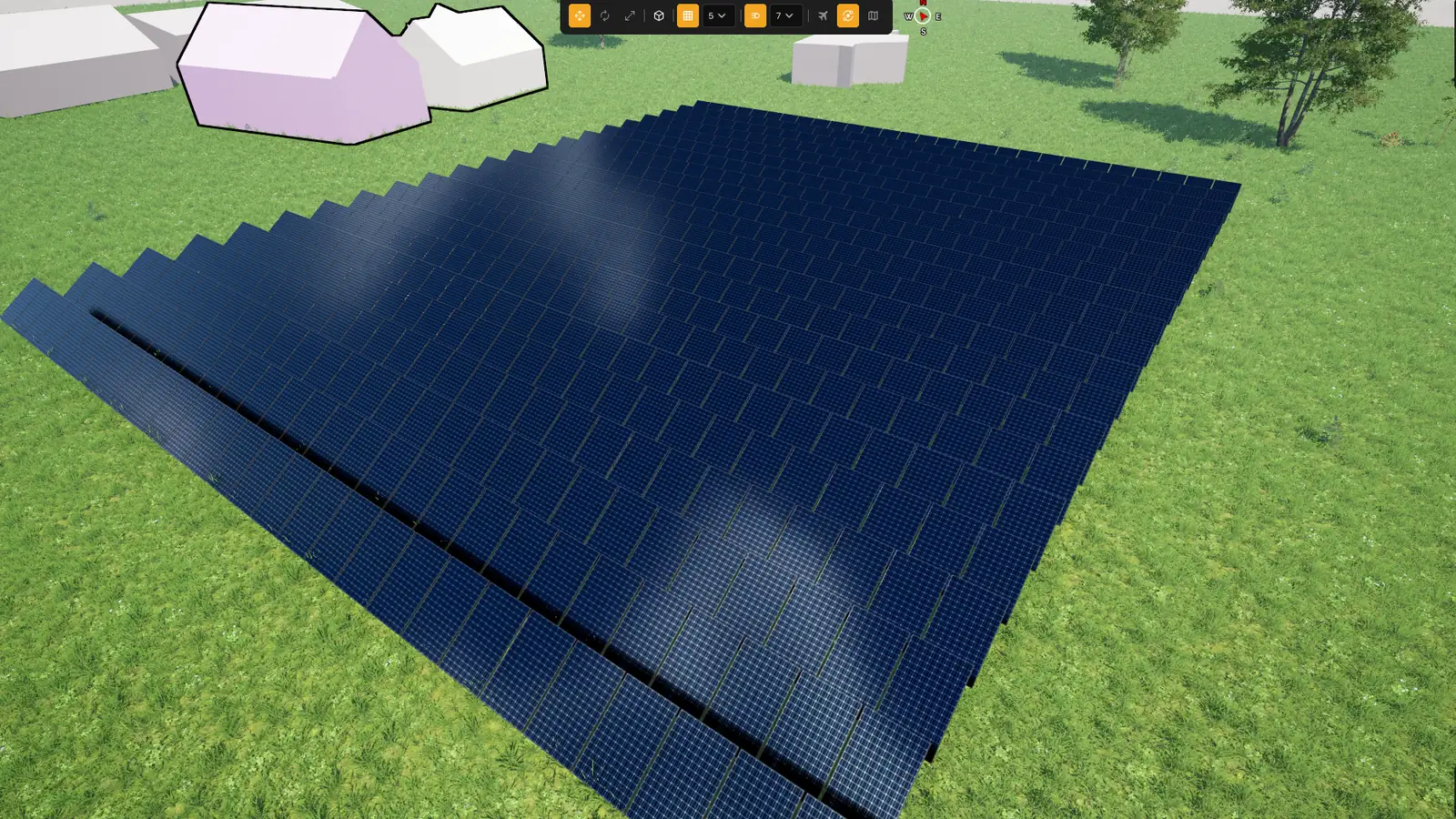
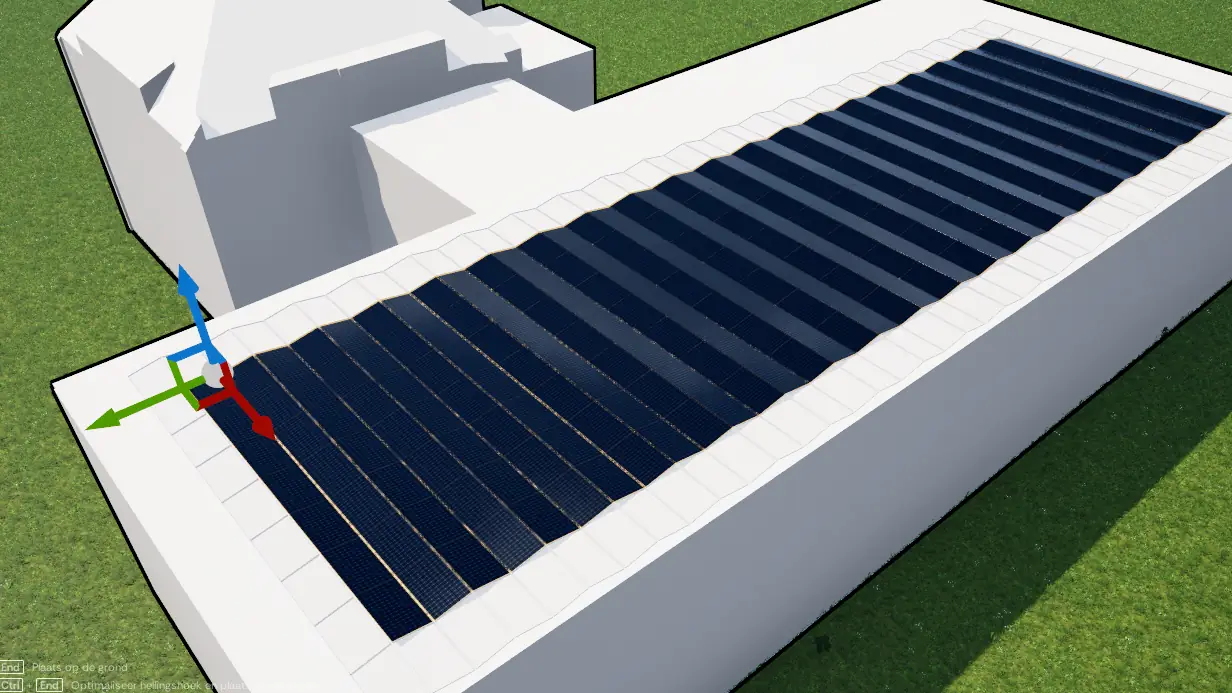
Studio at work
From an empty roof to a finished design with the numbers behind it. Click any screenshot to open it full size.
Studio or Plan?
Most residential jobs never need this page. Currently Plan draws the same kind of layout in the browser, in minutes, and lands in the same project. Studio is for when you need more than a flat drawing.
Install it through the Currently Launcher
The launcher puts Studio on your machine and starts it. When a new version appears it fetches that by itself, so your whole team works on the same version without anyone having to keep track.
One small program that installs Studio, updates it and starts it. You install it once; after that it keeps itself current.
You need an approved account to use the launcher. Sign up first →
login Log in to downloadSystem requirements
Installation instructions
Sign up & get access
Sign up for an account through the sign-up form on our website. Each request is reviewed manually.
Log in & download the Launcher
After approval, log in to your account. From there, you can download the Currently Launcher. The launcher manages application installation and updates.
login Log in to dashboardClick "More info" → "Run anyway"
Windows displays a security screen during installation. Select "More info", then "Run anyway" to proceed.
Install & start using Currently
Follow the standard installation steps. Windows may request system component installation from Microsoft, including Microsoft Visual C++ Redistributables, both the 32-bit and the 64-bit version.
Need help getting started?
If you run into any issues during installation, our support team is available by email.